Listening & reciters
Choose a reciter, control the player bar, repeat verses for memorization, set a sleep timer, download audio, and listen to Radio.
On this page
You can listen to recitation of any verse, surah, or division — and follow along as the text scrolls. Recitation plays through the player bar at the bottom of the screen, and there’s a continuous Radio for hands-free listening. It is the same player used across the whole Quran Gallery suite, so your recitation keeps playing — and stays controllable — even when you leave the reader for another page.
Choosing a reciter
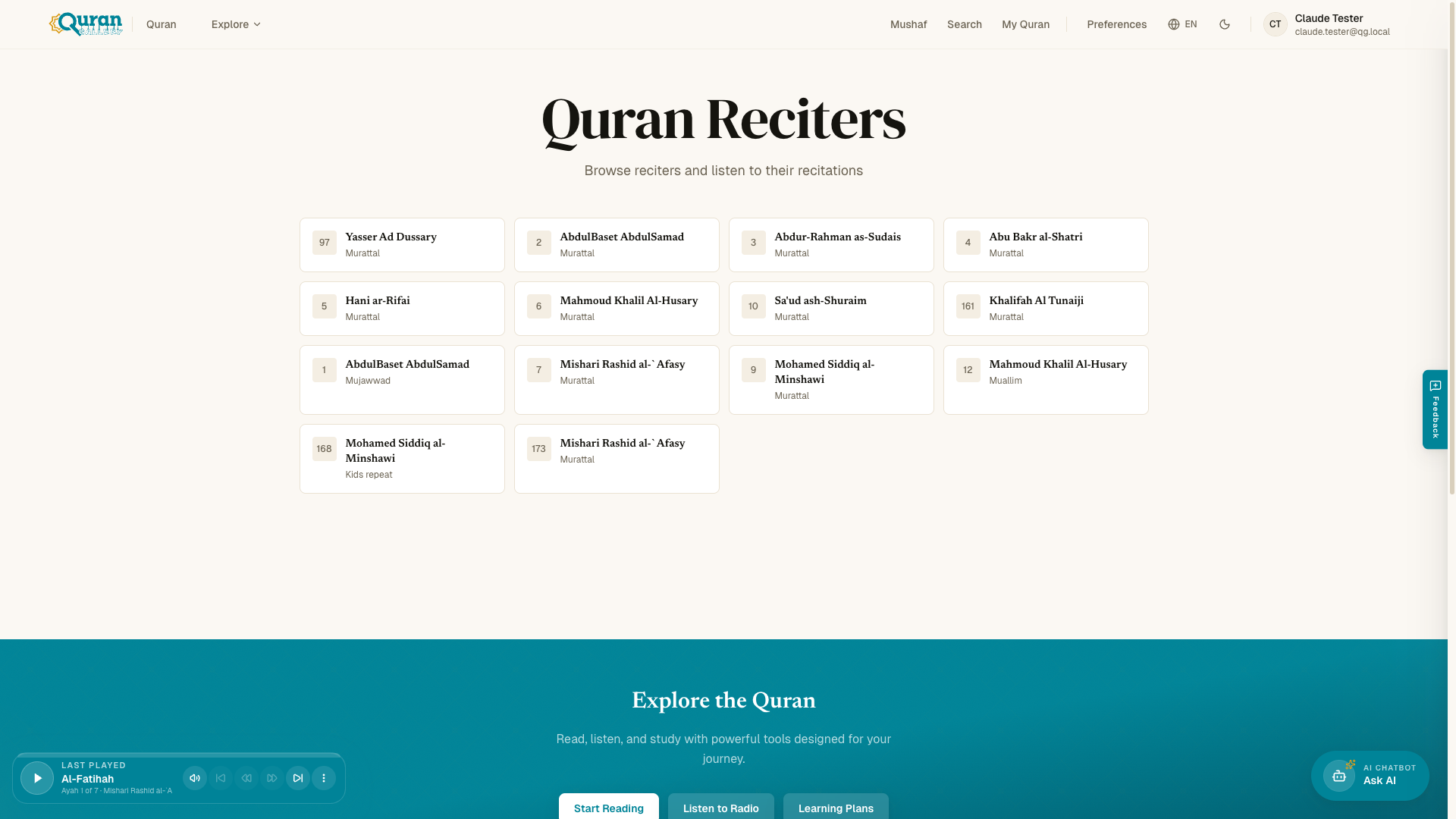
Browse reciters at /reciters, or open the player’s Recitation row (tap the bar to open the full player) while something is playing. Search by name to find the one you want; your choice applies to playback across the reader.
Each reciter also has their own page — open one to see their recitation style and a list of all 114 surahs. From there, Play in Reader opens any chapter recited in that reciter’s voice.
The audio player
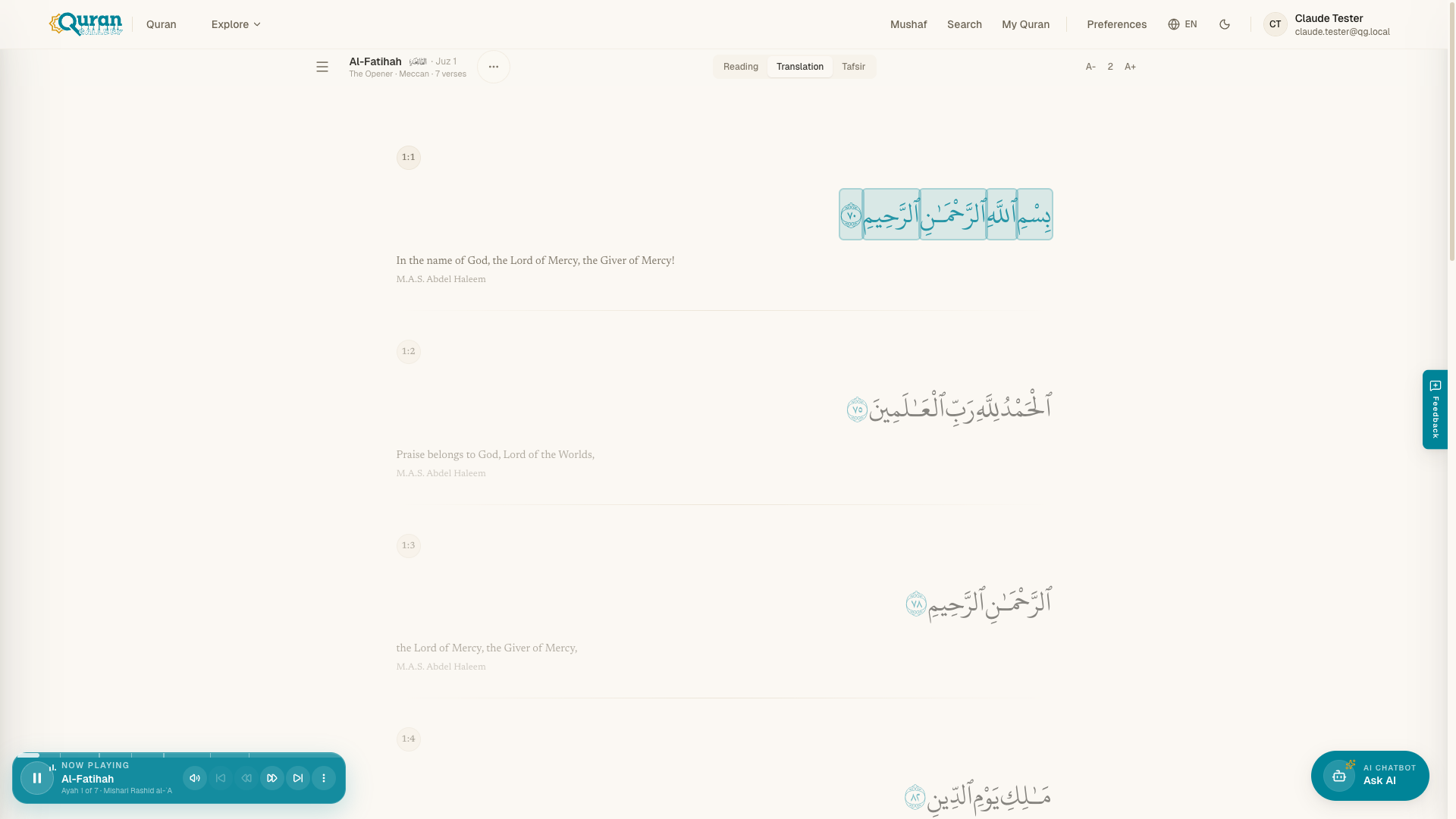
Press play on any verse and the player bar appears above the bottom navigation, showing the surah and your position (Ayah {current} of {total}). A thin progress bar along its top edge marks every āyah — drag it to scrub, straight to a verse. Tap the bar to open the full player, with a large scrubber, the recitation text following along verse by verse, and every setting in one list.
On the bar itself you get play / pause, previous / next surah, and on larger screens volume. Everything else is in the full player:
| Row | What it does |
|---|---|
| Repeat | Off · Surah · All · Ayah · Range — see Repeat below. |
| Speed | Slow the recitation down or speed it up (0.25× to 2×). |
| Sleep timer | Stop playback after a set time or at the end of the surah. |
| Recitation | Switch the reciter without stopping. |
| Read along | Show the text of what is playing, with the current āyah highlighted; tap a verse to jump to it. |
| Up next | See and manage what plays after this. |
| Volume | The slider and mute button. |
| Experience | Reader behavior while audio plays — see below. |
At the bottom of the full player sit Download, Share, Open page, Minimize, and Close player.
Experience
The Experience switches control how the reader behaves during playback:
- Auto Scroll — keep the text following the recitation automatically.
- Show tooltip while playing — pop each word’s meaning up as it is recited. What the tooltip displays (translation, transliteration, or both) follows your Settings → Word By Word choices.
Repeat
Open the full player’s Repeat row and pick a mode:
| Mode | Loops |
|---|---|
| Off | Nothing — play through. |
| Surah | The current surah (the same as the bar’s button). |
| All | Every surah, starting again from the first after the last. |
| Ayah | One āyah you choose. |
| Range | A From → To span of āyāt. |
Ayah and Range open the drill controls:
- Play count — how many times the chosen āyah or range plays in total.
- Repeat each verse (Range only) — how many times each āyah plays before moving to the next — ideal for drilling one verse at a time across a passage.
- Delay between plays — a pause in seconds after each play, so you have a moment to repeat after the reciter.
Press Start playing to begin. While an āyah or range is looping, a repeat chip on the bar names it — tap the chip, or the bar’s repeat button, to stop. Your repeat settings survive a reload, so tomorrow’s session picks up the same drill.
Sleep timer
The full player’s Sleep timer row stops playback after a set time, or at the End of surah. Choose 15 minutes, 30 minutes, or 1 hour — a Sleep chip on the bar counts down, and tapping it (or Cancel in the row) calls it off.
Keyboard shortcuts
Press ? in the reader for the full list. Space plays and pauses, the arrow keys step between verses and adjust volume, and [ / ] change playback speed — so a memorization session never needs the mouse.
Radio
Radio at /radio is continuous recitation you can leave running — no per-verse control needed. Open it from the Radio link in navigation. As a live-style stream it keeps the player simple: play / pause, volume, and the sleep timer.
“Are you still listening?”
During long, hands-free sessions, the reader gently checks in at chapter boundaries if you’ve been away for a while. A small prompt asks “Are you still listening?” and notes that recitation will pause if there’s no response. Choose Yes, continue to keep going, or Pause (or simply do nothing) to stop — so the recitation never plays on to an empty room.
Continue Listening
When you come back, Continue Listening picks up your Last Played recitation where you left off, so you don’t have to find your place again.