Verify your email
Why email verification matters, how to find the email, and how to resend it if it never arrived.
On this page
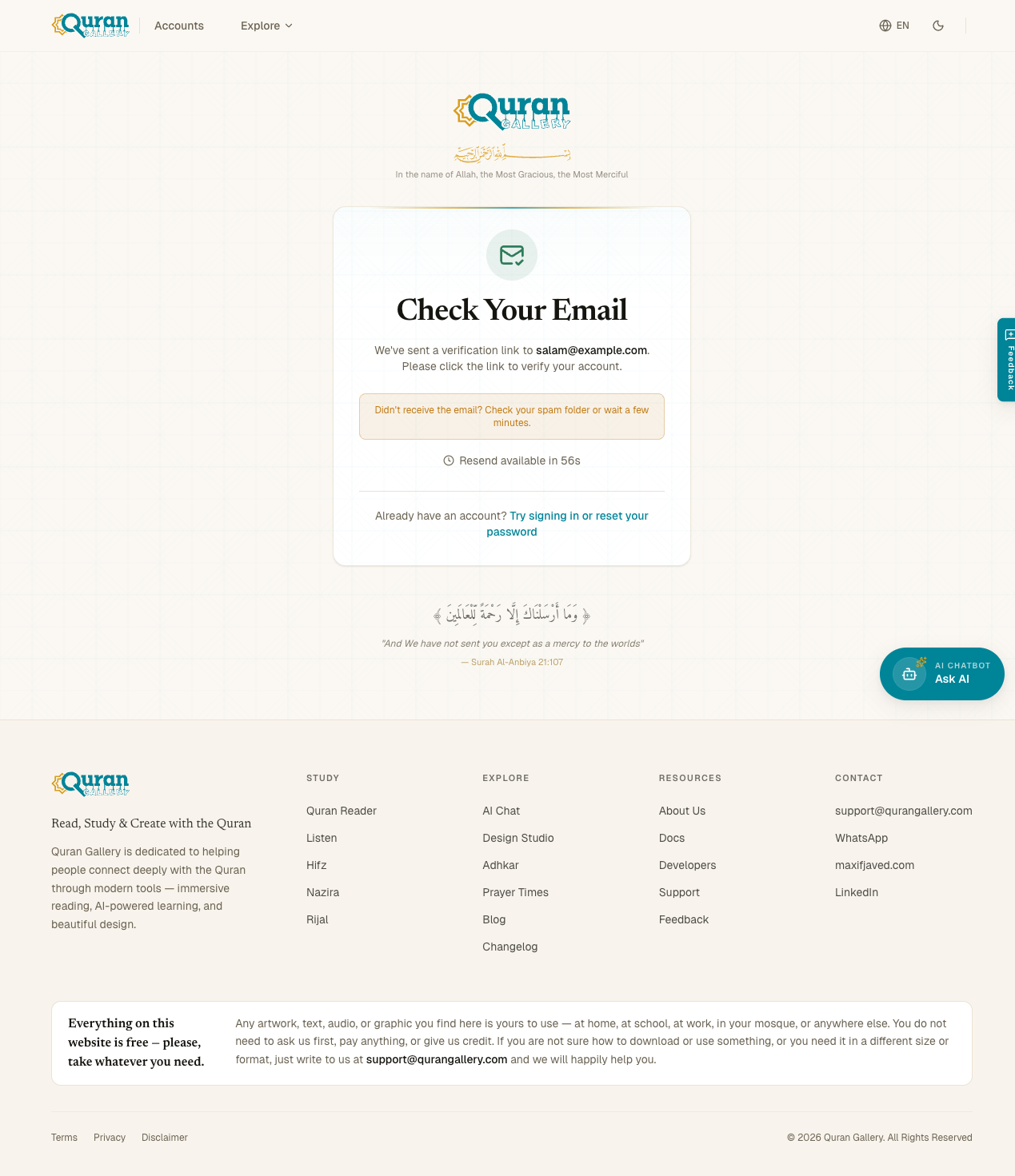
After you create an account with an email and password, Quran Gallery sends you a verification link. Until you click it, your account is created but dormant — you can’t sign in, and nothing under your account can be read or written.
Why we do this
Email verification proves the address you typed actually belongs to you. Without it, someone could sign up using your email and impersonate you, or you could mistype your address during signup and silently lock yourself out. One click is the cost of that guarantee.
If you signed in with Google or Quran.com, you don’t see any of this — the provider has already verified the email and we trust them. This step only applies to email-and-password signups, and to the same flow when you change your email later.
What the email looks like
- From: Quran Gallery
<[email protected]> - Subject: Verify your email — Quran Gallery
- Body: A short message and a large teal Verify Email Address button. Below that, a plain-text URL fallback in case the button doesn’t render.
The link inside the email is single-use and expires in one hour. Clicking it does three things at once: it marks your email as verified, signs you in to the browser tab that opened it, and redirects you to the Email verified confirmation page.
I never got the email
Try these in order:
- Check spam, promotions, or filtered folders. Gmail in particular often filters first-message senders into the Promotions tab.
- Wait 60 seconds, then click Resend verification email on the verify-email screen. The button is disabled until the cooldown counter ticks down — this is to stop accidental double-sends.
- Re-check the address you typed. If you mistyped your email on signup, the link is in someone else’s inbox. The fastest fix is to create a new account with the correct email and let the original dormant account time out.
- Whitelist the sender if your inbox provider lets you. Add
[email protected]and[email protected]to your contacts or allowlist. - Check whether
qg.local/ disposable services were blocked. Quran Gallery rejects throwaway email providers — if you used one of those, no email was ever sent. Re-sign-up with a permanent address.
After three resends in 15 minutes, the server tells you to try again later. The cooldown protects both your inbox and our reputation as a sender.
Clicking the link
When you click the Verify Email Address button:
- A new tab opens to accounts.qurangallery.com.
- Your account’s
email_verifiedflag is flipped to true. - A session cookie is set so you’re now signed in on that tab.
- You land on the Email verified screen with a Continue to your account button.
If the link has expired (more than an hour after it was sent) or has already been used once, you’ll get an error. Go back to /verify-email, click Resend, and use the new link.
Verifying when changing your email
The same screen and the same email template are used in step 1 of the email-change flow. The difference: step 1 is sent to your current email to authorise the change, and step 2 is sent to your new email to prove you own it. You have to click both.
Already have an account?
The bottom of the verify-email page links back to Sign in and Forgot password, in case you came here by mistake — maybe you actually have an existing verified account and just need to reset your password.