Help, support & feedback
How to get help, reach the team, share feedback, follow updates, build with our data, and find the legal pages.
On this page
However you need to reach us — a question, a bug, an idea, or a partnership — there’s a channel for it. This page maps out where to go.
Getting help
There are three ways to get help, from self-serve to direct:
- Help center (these docs). Start here. The documentation at
qurangallery.com/docscovers every app in the suite. Use search (⌘K / Ctrl+K) to jump straight to a topic. - Contact. Reach the team through any of the channels on the contact page
at
qurangallery.com/contact. - Support request. For something specific to your account or a problem you
need tracked, submit a request at
qurangallery.com/support.
Contact channels
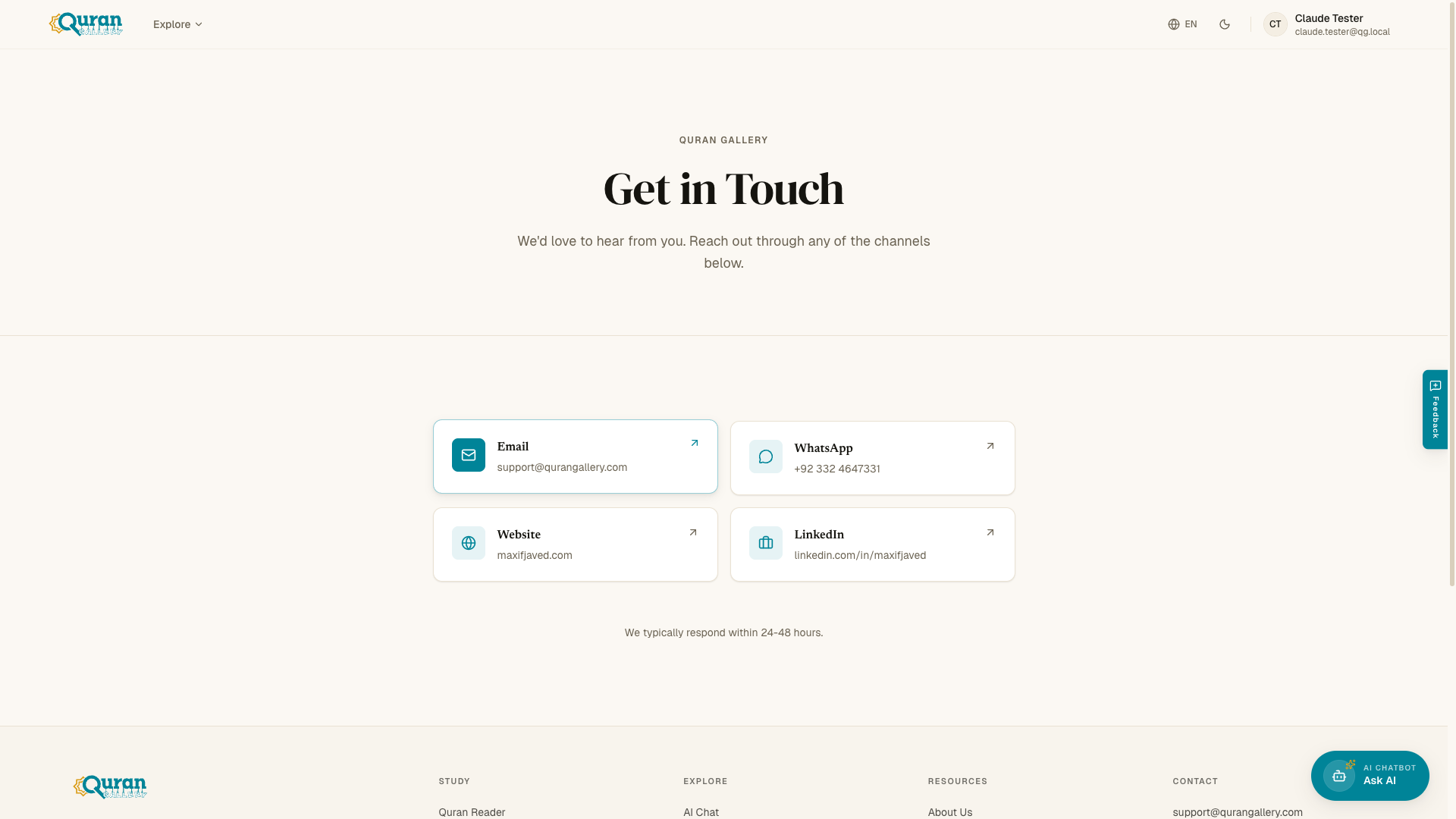
The contact page lists every way to reach us:
| Channel | Use it for |
|---|---|
| General inquiries and support. | |
| Quick questions. | |
| Website | Browsing the rest of the suite. |
| Partnerships and professional contact. |
We typically respond within 24–48 hours.
Submitting a support request
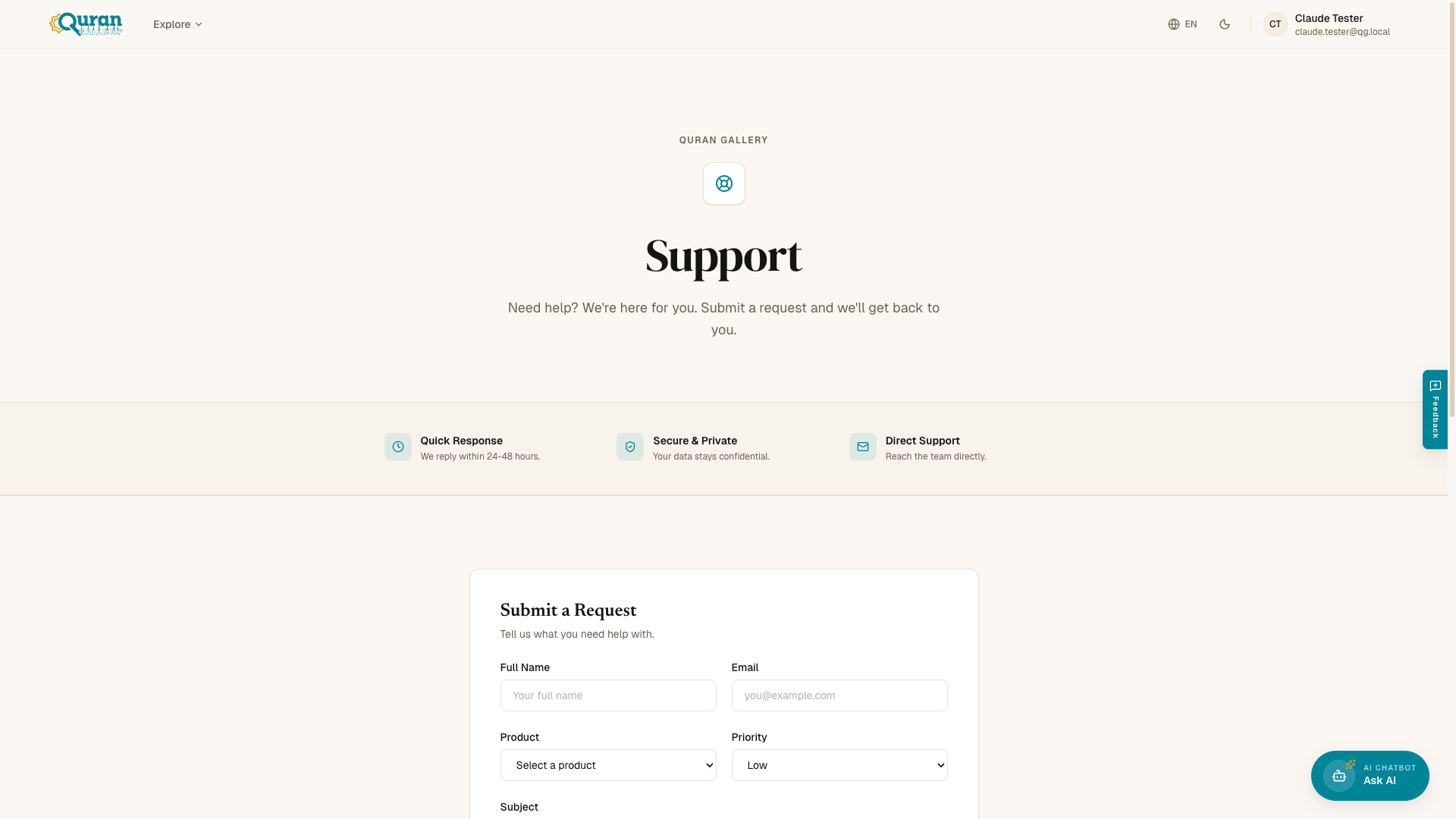
The support form at qurangallery.com/support asks for a few
details so we can route your request quickly:
- Name — your full name.
- Email — so we can reply to you.
- Product — which app the request is about. The options are: Quran, Chat, Studio, Blog, Accounts, or Other.
- Priority — Low, Medium, or High.
- Subject — a brief description of the issue.
- Message — the full details.
Your request stays confidential, and we reply within 24–48 hours.
Sharing feedback
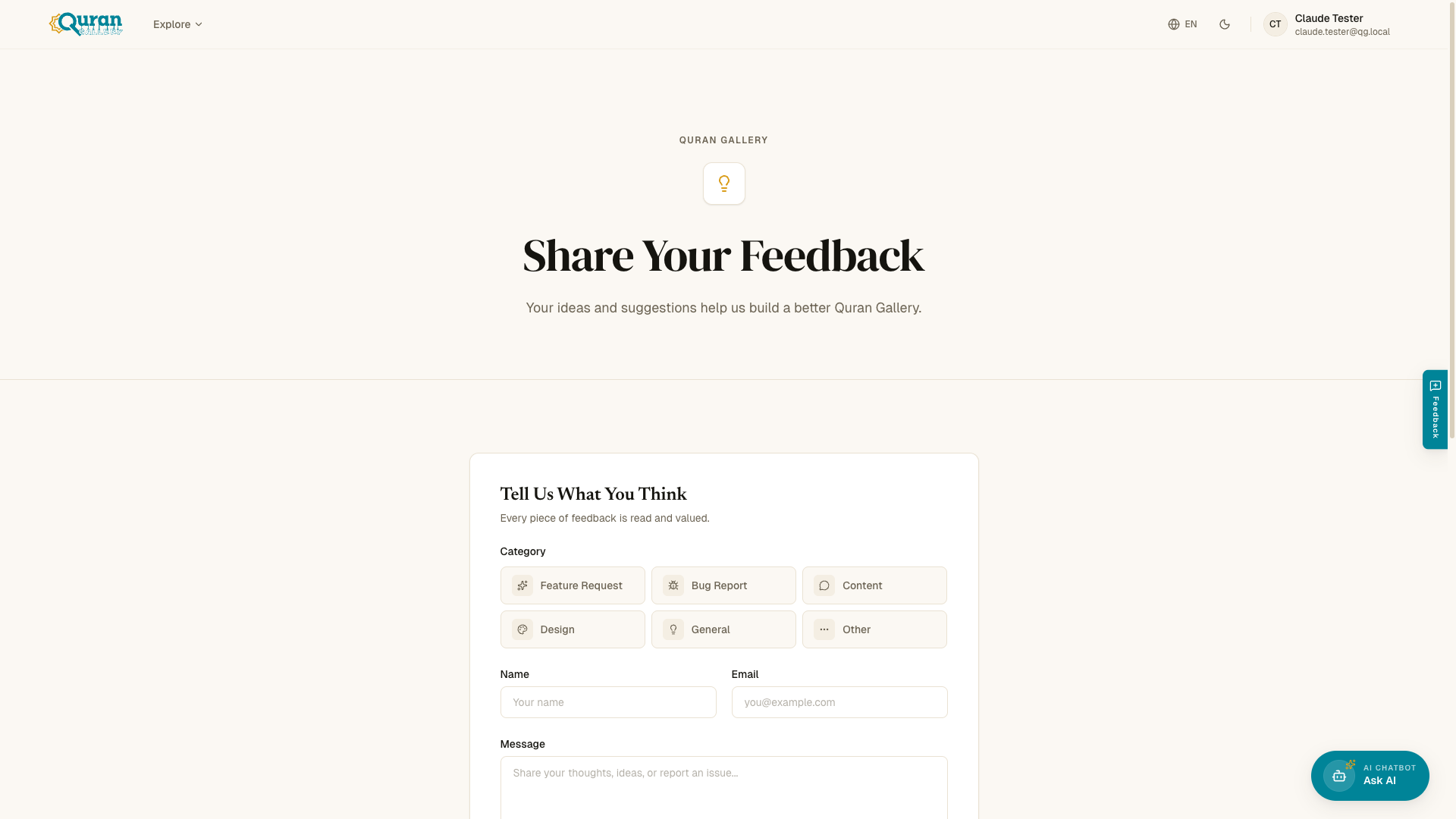
Ideas and suggestions shape what we build next. Share them at qurangallery.com/feedback — every piece
of feedback is read. The form asks for:
- Category — pick the one that fits:
- Feature Request
- Bug Report
- Content
- Design
- General
- Other
- Name — your name.
- Email — so we can follow up if needed.
- Message — your idea, report, or suggestion in your own words.
Bot protection runs automatically in the background; no CAPTCHA to solve.
Following updates
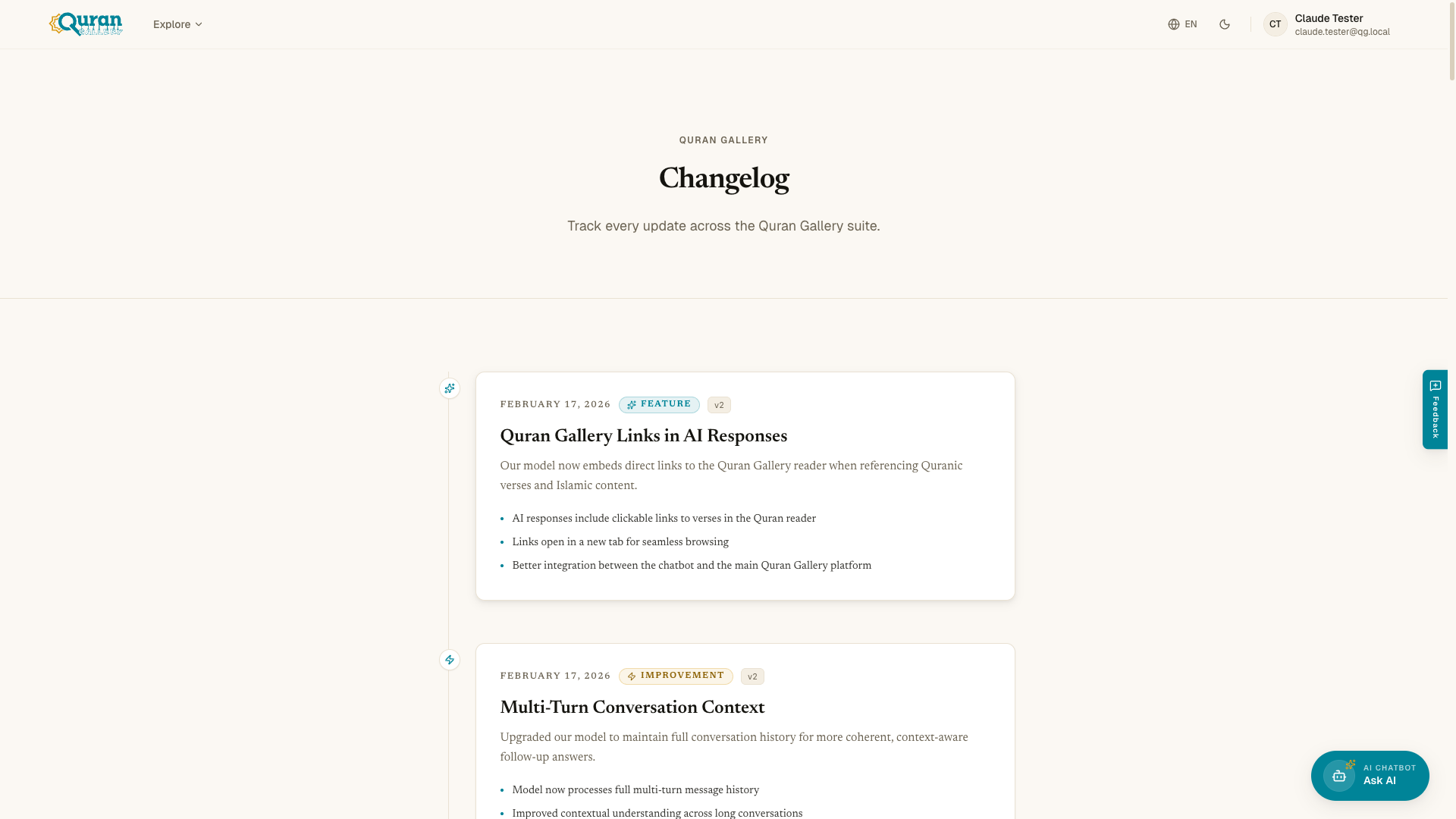
The Changelog tracks every update across the suite — new features,
improvements, fixes, and announcements. Follow along at qurangallery.com/changelog.
Building with our data
If you’d like to use Quran Gallery’s data and services in your own project, see
the developers page at qurangallery.com/developers.
Coming soon. Developer tools are not yet available. The planned offerings are a REST API for Quran text, translations, and audio; client SDKs; and getting-started guides. Want to be notified when they launch? Reach us through the contact page.
Legal pages
The fine print lives on three pages:
| Page | What it covers | Address |
|---|---|---|
| Terms | The rules and conditions for using the platform. | qurangallery.com/terms |
| Privacy | How we collect, use, and protect your information. | qurangallery.com/privacy |
| Disclaimer | The limitations of AI-generated content and the platform. | qurangallery.com/disclaimer |
To learn more about who we are and why we build this, visit qurangallery.com/about-us.