Quran challenge
Listen to the whole Quran in the number of days you choose, in one reciter's voice — set your pace and listening days, follow today's goal, and keep your place.
On this page
The Quran challenge (khatmah) helps you hear all 114 surahs in the voice you love, a little each day. You choose how many days, when you listen and whose voice. Listen works out today’s portion and keeps your place.
Open Quran challenge in the tabs. On a phone, tap Library and choose Khatmah.
Setting up a challenge
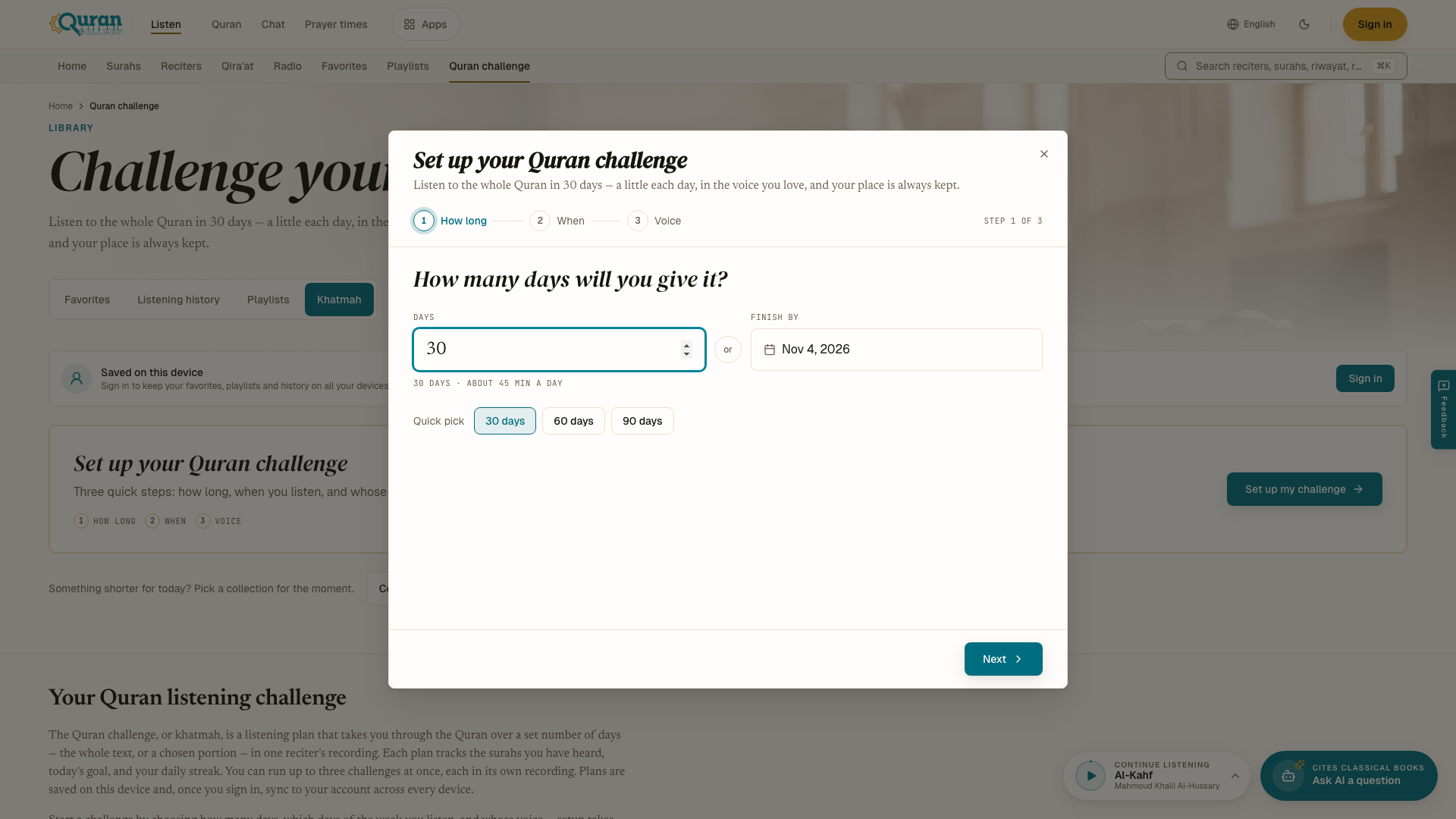
Press Set up my challenge. Setup has three steps. Press Next to move on and Back to return.
- How long. Pick 30 days, 60 days or 90 days, type a number of Days, or choose a date in Finish by. Listen shows about how many minutes a day that means.
- When. Start Today, Tomorrow, or Pick a date. Under Advanced you can choose your Listening days — Every day, Weekdays, Weekends or single days — and mark Days off, such as travel or exam days.
- Voice. Choose a reciter, or press Another reciter… for the whole list. Under Advanced you can choose another Riwayah, and the Recording when the reciter has more than one.
Press Start challenge.
If your plan means more than about 90 minutes on a listening day, Listen warns you and offers Fit to about 45 min a day. You can still keep your plan.
If the recording you choose has only some surahs, the challenge covers those surahs.
Following your challenge
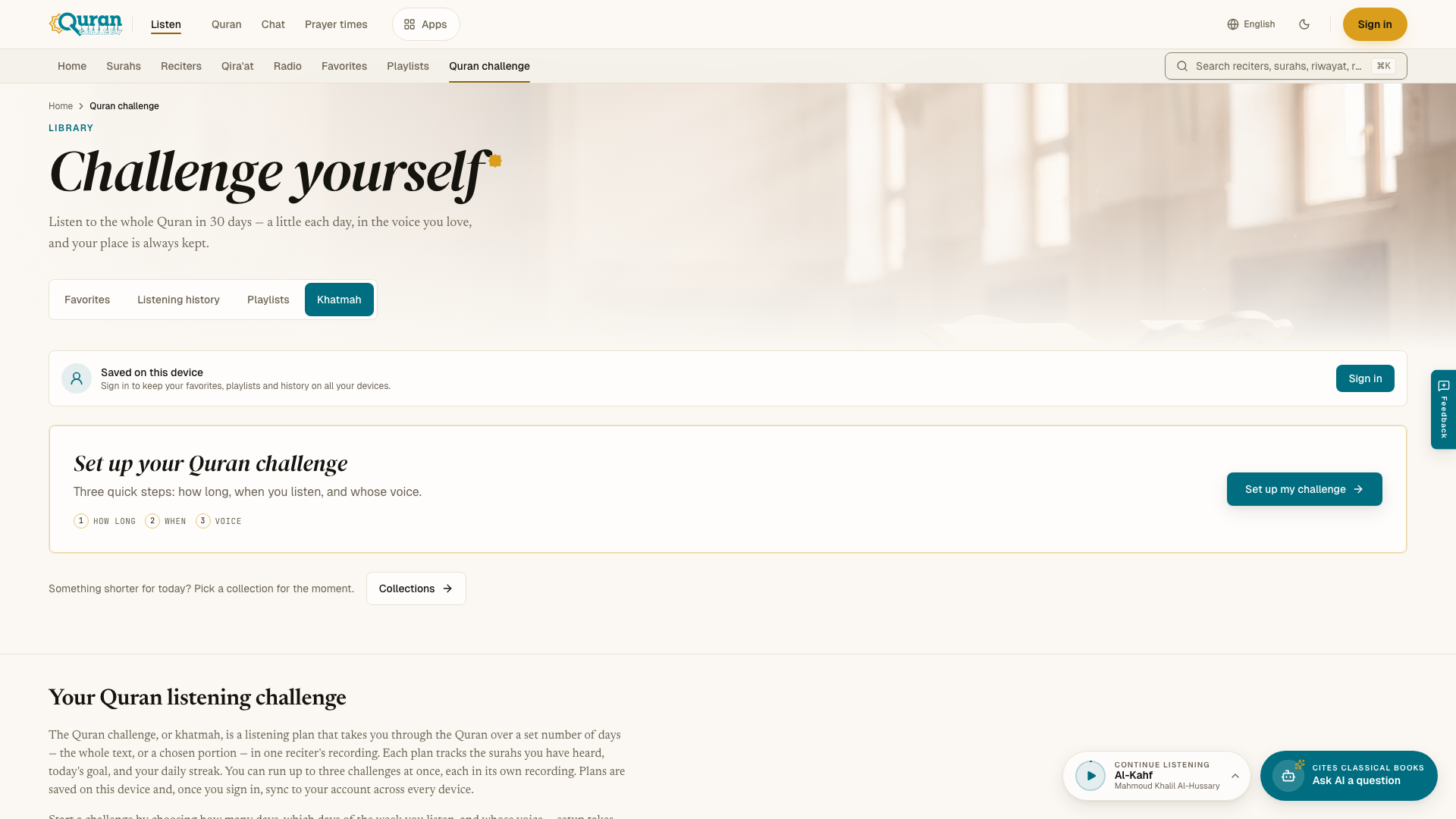
The challenge card shows:
- Your status — On track, Ahead, or how many days behind — and which day of the plan it is;
- Today: — the surahs to hear today and about how many minutes are left;
- your streak of days in a row;
- your progress, as a percentage and as surahs heard out of 114;
- Days listened — a calendar with the days you listened, missed, rested and the days ahead.
Press Continue to play today’s portion. Listen resumes the surah you did not finish, or starts the next one you have not heard.
Listening counts toward the challenge when it is in the challenge’s reciter and reading, in any order. For example, a surah heard in Warsh does not count toward a challenge in Ḥafṣ. Surahs you hear outside the challenge page count too, as long as the recording matches.
While a challenge is running, the player shows today’s progress, and the home page shows today’s goal.
Changing or ending it
- Change reciter switches the voice.
- Schedule changes your listening days and days off.
- Change end date gives you more or fewer days.
- End challenge stops it. A message asks you to confirm.
When the time runs out before you finish, choose Keep going to continue at the same pace from today, or Start over. When you have heard every surah, Listen congratulates you and counts the challenge as completed. Press Start another for a new one.
More than one challenge
You can run up to 3 challenges at once, each with a different recording — for example one in Ḥafṣ and one in Warsh. Press Start another challenge to add one.
Your challenges are saved on your device. When you sign in, they are also saved to your account and appear on all your devices. See Favorites & history.