Save favorites and build Quran playlists
Save favorite reciters and surahs, build playlists, find collections and resume from your history, all without an account.
On this page
Listen saves your favorite reciters and surahs, your playlists and your listening history on your device, with no account needed. Sign in and they follow you to every device. Open Favorites in the tabs, or Library on a phone. This page also covers collections: short selections of surahs for the moments of your day.
Your Library keeps what you save and what you have heard. It has four parts: Favorites, Listening history, Playlists and Khatmah (the Quran challenge). On a computer, open Favorites in the tabs. On a phone, tap Library in the bottom tab bar. The switcher at the top of each Library page moves between the four.
Favorites

My Favorites has two shelves: Favorite reciters and Favorite surahs.
To save a favorite, press a heart:
- on a reciter’s page, to save the reciter;
- on a recording’s page, or in the player, to save the recording you are hearing;
- or choose Favorite in the ⋯ menu of any surah.
A short message confirms Added to favorites. Press the heart again to remove it.
A favorite surah is saved with its reciter and reading, so it plays the exact recording you saved. Play all plays all your favorite surahs, and Shuffle plays them in random order. Press a reciter to open their page.
Listening history

Listening history fills in by itself as you listen. It keeps your 50 most recent recordings, newest first, grouped into Today, This week and Earlier. Each recording shows the reciter, the reading and how far you have listened.
- Press a recording to continue from where you stopped.
- Continue listening at the top resumes the last recording you played.
- Remove in a recording’s ⋯ menu takes it out of your history.
- Clear history removes everything.
Remove and Clear history do not ask in a separate window. A message appears for 10 seconds with a button — press that button to confirm. If you do nothing, your history stays as it is.
You also find your recent recordings on the home page under Continue listening.
Playlists
A playlist is your own list of surahs, in the order you choose. You can mix reciters and readings in one playlist — for example, the surah you are memorizing in three voices. Open Playlists in the tabs, or Library on a phone.
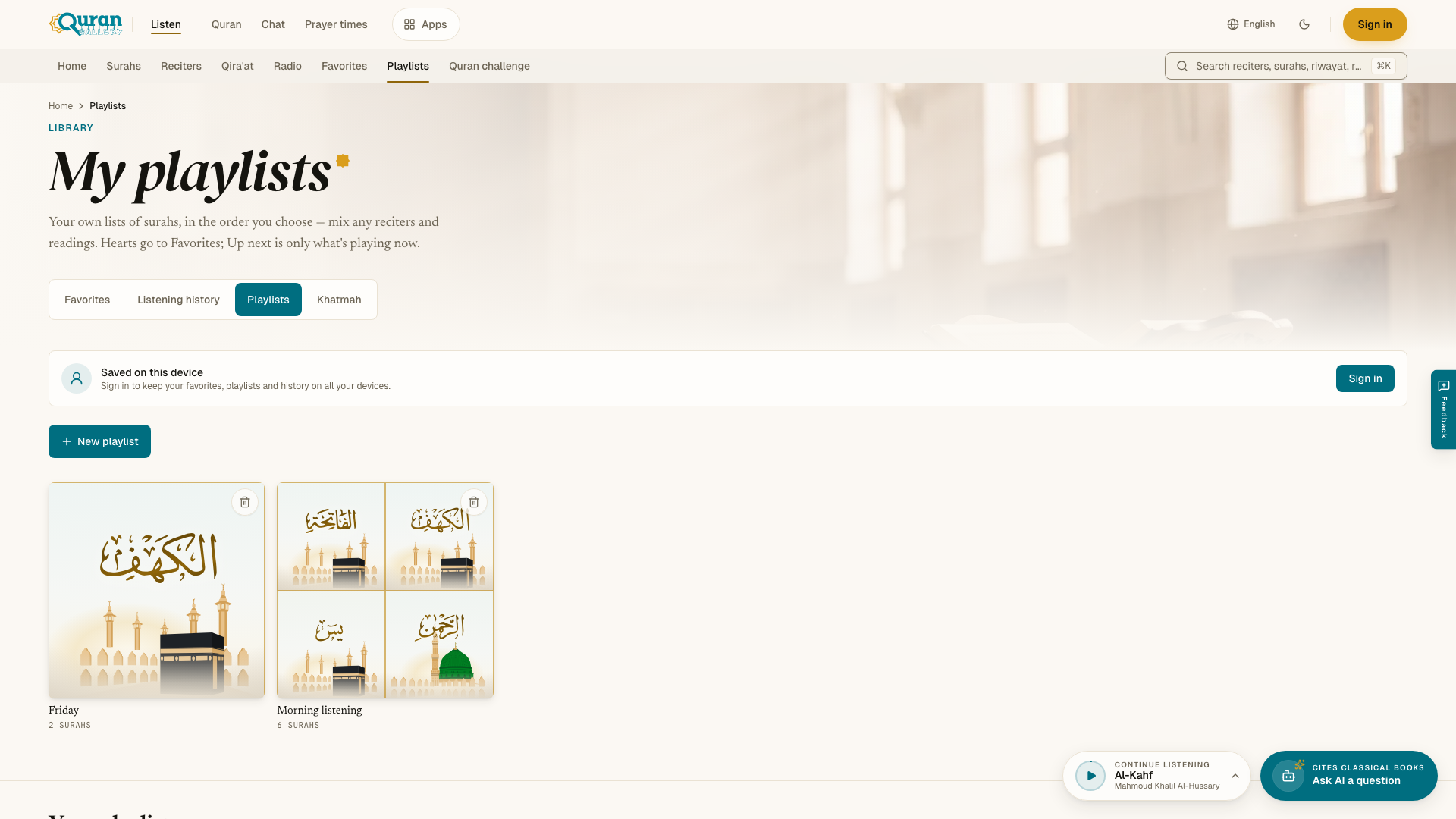
Playlists are different from Favorites and Up next. The heart saves to Favorites. Up next is only what plays after the current surah, and it is not kept.
Making a playlist
- On My playlists, press New playlist.
- Type a name in Playlist name and press Create. The new playlist opens.
- Press Add surahs. Choose the reciter in Reciter for added surahs, then search with Find a surah by name or number and press each surah you want. Press Done when you finish.
You can also add from anywhere: open the ⋯ menu on a surah and choose Add to playlist. Pick a playlist, or create a new one there.
A playlist’s page
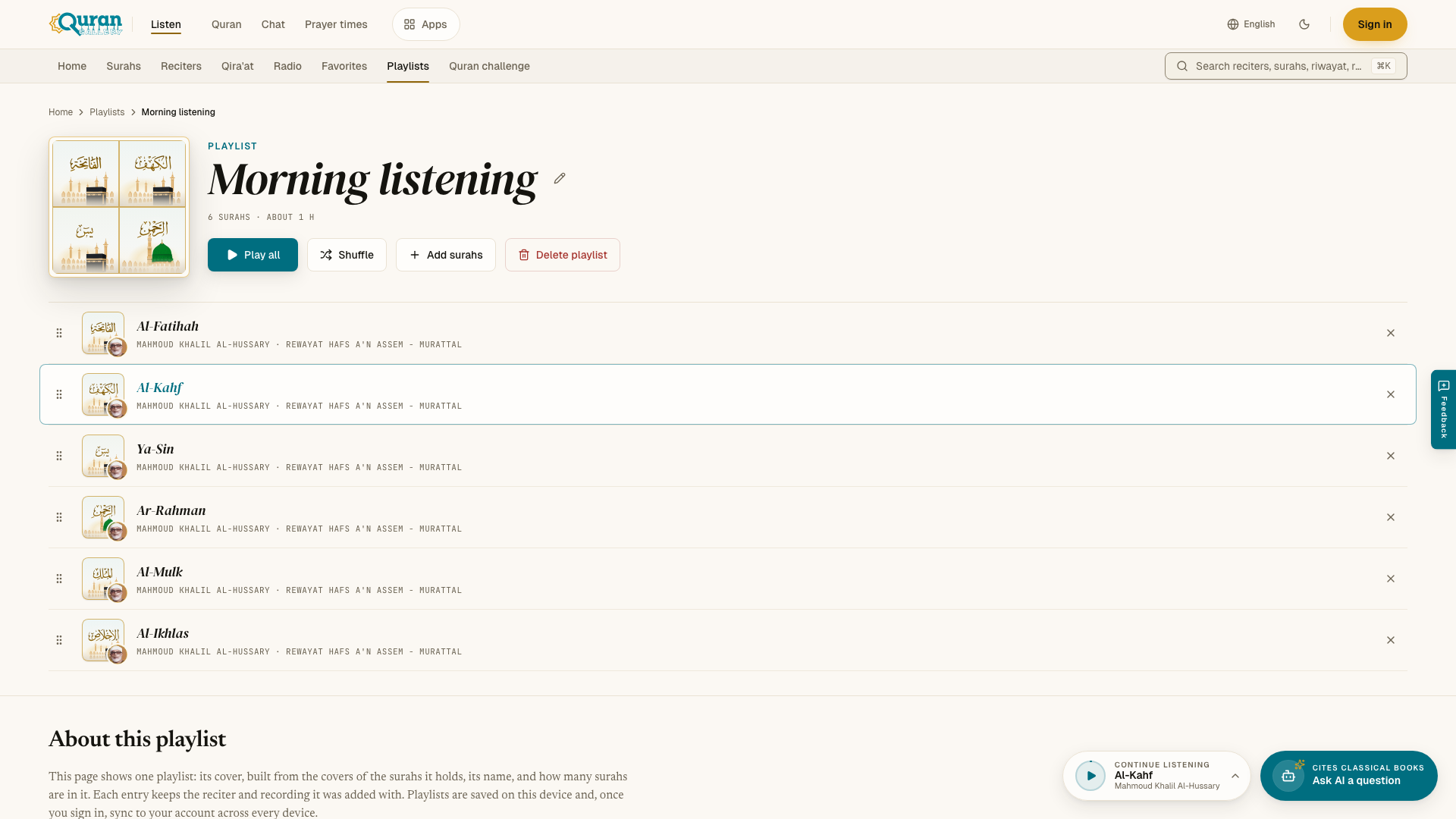
- Play all plays the playlist in order. Shuffle plays it in random order. Press any surah to start from it.
- Reorder a surah by dragging the handle at its start. With a keyboard, focus the handle and use the up and down arrow keys.
- Remove from playlist (the × on a row) takes a surah out. Press Undo in the message if you change your mind.
- Rename (the pencil next to the name) changes the name.
- Delete playlist removes the playlist. The recordings stay in Listen, and your favorites are not touched.
The page shows how many surahs the playlist has and about how long it lasts.
Save Up next as a playlist
In the player, open Up next and press Save to keep the current line-up as a new playlist. The Playlists tab in the same panel lists your playlists, so you can start one without leaving the page. Radio stations and tafsir are not saved in playlists.
Limits
You can have up to 50 playlists, with up to 200 surahs in each. Each surah by one reciter can be in a playlist only once.
Collections
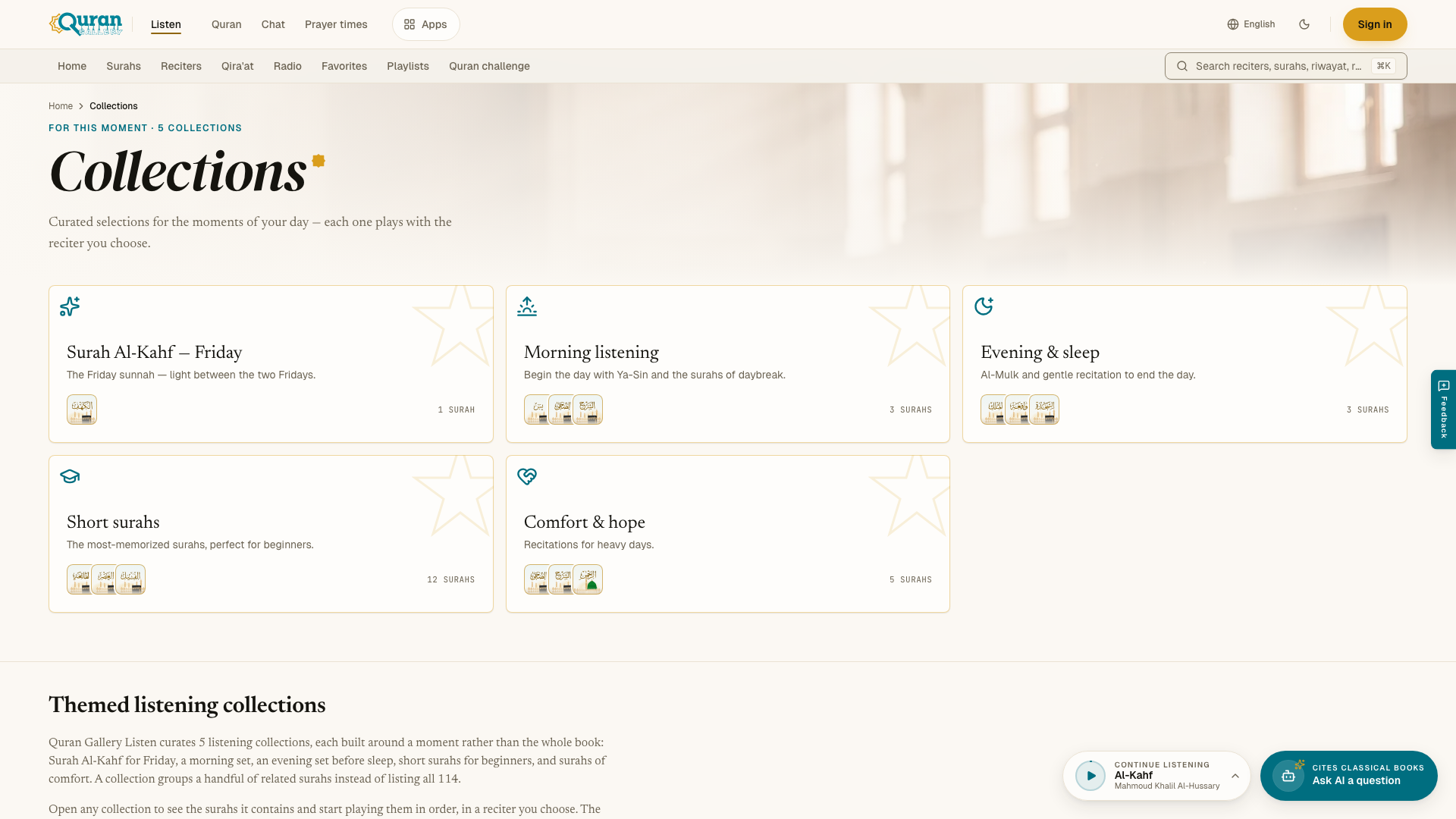
Collections are short selections of surahs for the moments of your day. Each one plays in the reciter you choose. You find them on the home page under For this moment, or at /collections.
| Collection | Surahs |
|---|---|
| Surah Al-Kahf — Friday | Al-Kahf |
| Morning listening | Ya-Sin, Ad-Duha and Ash-Sharh |
| Evening & sleep | Al-Mulk, Al-Waqiʿah and As-Sajdah |
| Short surahs | Al-Fatihah and short surahs from the end of the Quran (12 in all) |
| Comfort & hope | Ad-Duha, Ash-Sharh, Ar-Rahman, Maryam and Yusuf |
The collection that fits the time of day has a small gold dot in its top corner. Al-Kahf gets it from Thursday evening through Friday, Morning listening in the morning, and Evening & sleep in the evening and at night. The time comes from your device.
Playing a collection
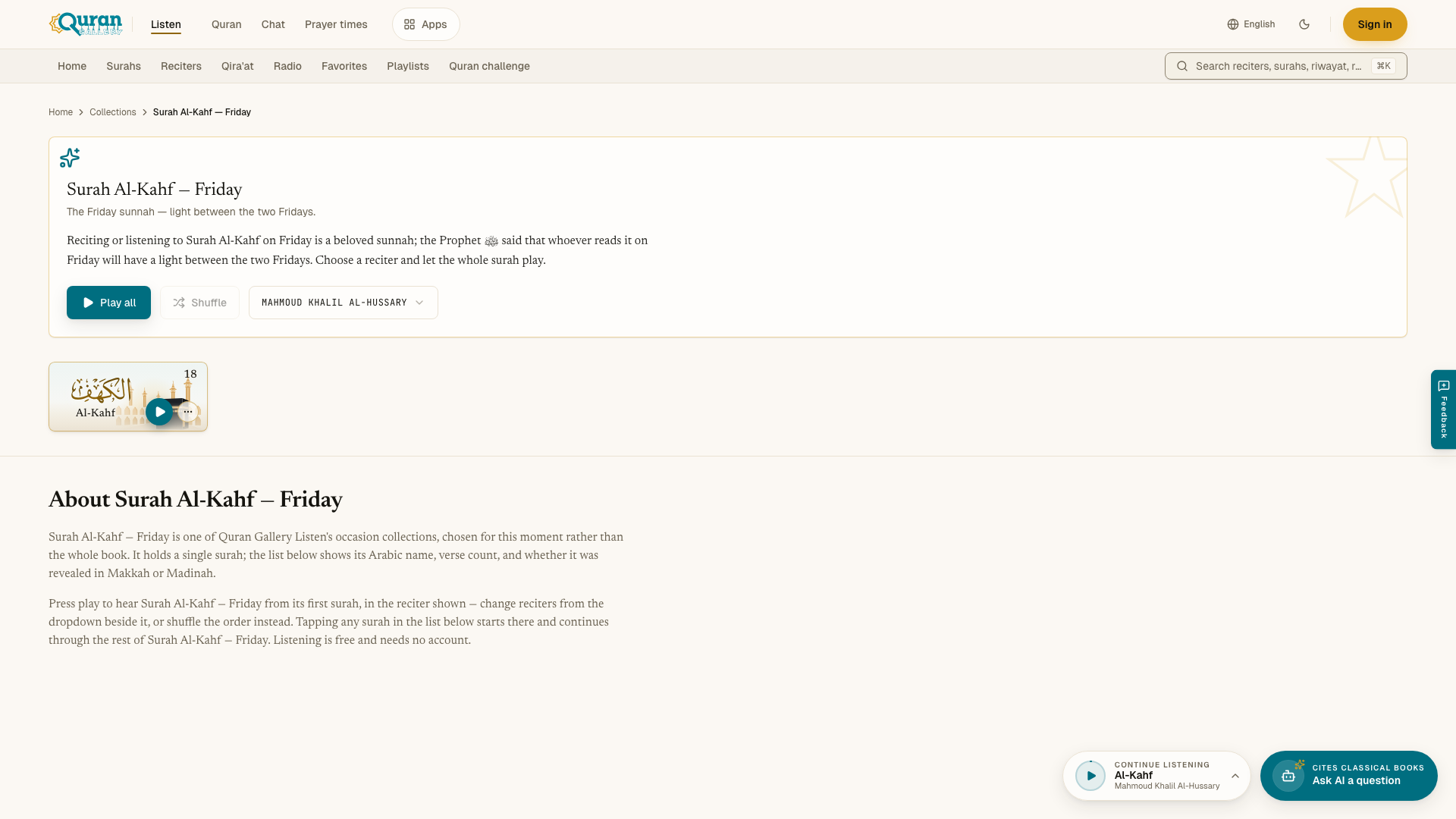
Open a collection to see its surahs.
- Play all plays the surahs in order. Shuffle plays them in random order.
- Reciter chooses the voice. Your choice also becomes your reciter everywhere in Listen.
- Each surah has its own play button and ⋯ menu.
If the reciter you chose has not recorded these surahs, the page asks you to pick another reciter.
When you start Evening & sleep, Listen offers to stop playback at the end of the surah. Press End of surah to set the sleep timer.
Saved on this device
When you are not signed in, your Library is saved on this device only, and each Library page shows Saved on this device. Press Sign in to save it to your Quran Gallery account too. Then it appears on every device where you sign in. What you saved before signing in is added to your account.
Next steps
Questions
Can I save favorites without an account?
Yes. Favorites, playlists and history are kept on this device without signing in. If you sign in with a free Quran Gallery account, they are added to your account and appear on your other devices.
How do I make a Quran playlist?
Open Playlists, press New playlist, type a name and press Create, then press Add surahs. You can also open the ⋯ menu on any surah and choose Add to playlist.
How many playlists can I have?
Up to 50 playlists, with up to 200 surahs in each.
How much listening history does Listen keep?
Your 50 most recent recordings, newest first. Press one to continue where you stopped, or use Clear history to remove everything.
What are collections?
Short selections of surahs for moments of the day, such as Surah Al-Kahf on Friday, morning listening, evening and sleep, short surahs, and comfort and hope. Each plays in the reciter you choose.