Playlists
Make your own lists of surahs in the order you choose, from any reciters and readings — create, add, reorder, rename and save the Up next list as a playlist.
On this page
A playlist is your own list of surahs, in the order you choose. You can mix reciters and readings in one playlist — for example, the surah you are memorizing in three voices. Open Playlists in the tabs, or Library on a phone.
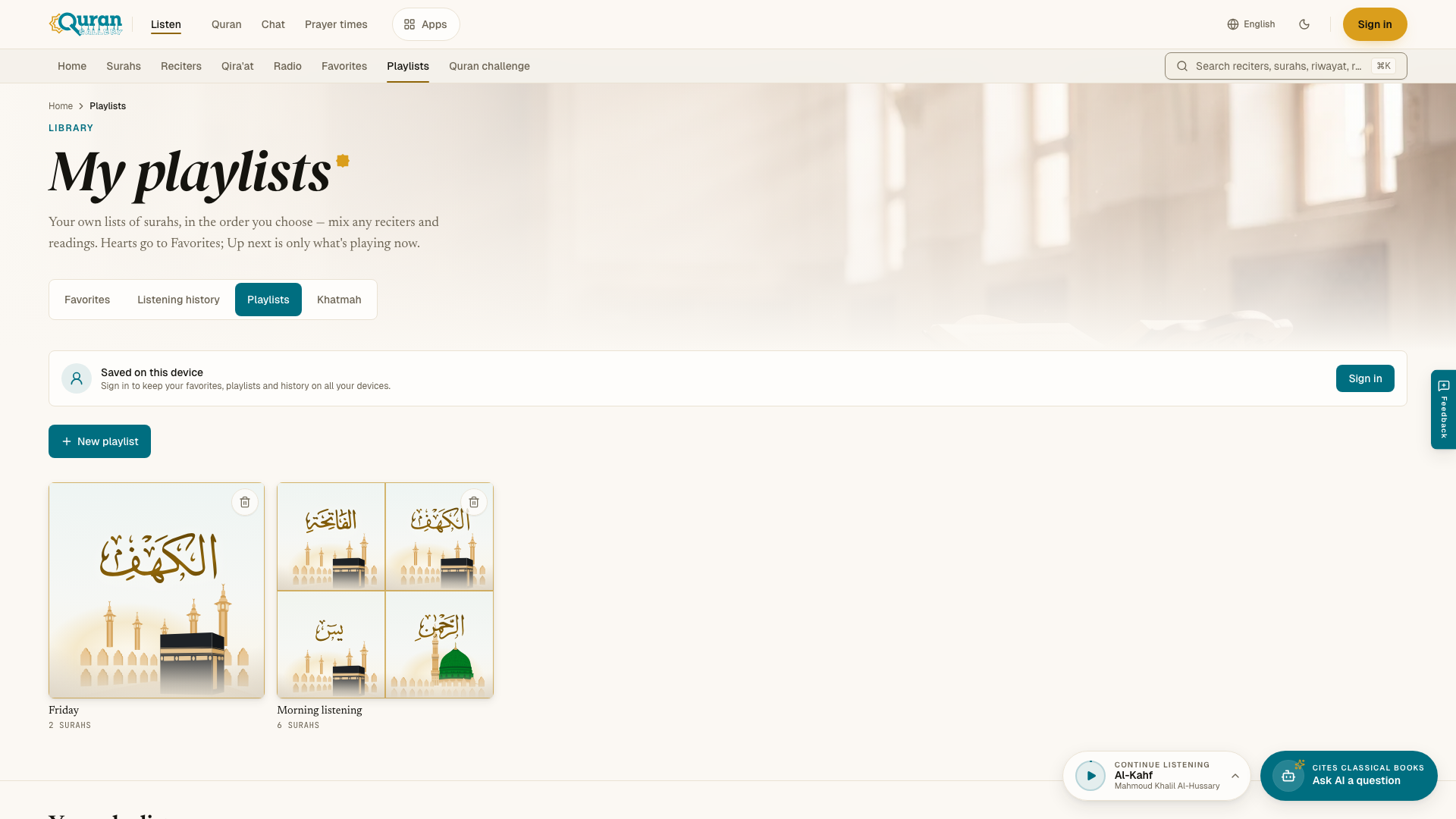
Playlists are different from Favorites and Up next. The heart saves to Favorites. Up next is only what plays after the current surah, and it is not kept.
Making a playlist
- On My playlists, press New playlist.
- Type a name in Playlist name and press Create. The new playlist opens.
- Press Add surahs. Choose the reciter in Reciter for added surahs, then search with Find a surah by name or number and press each surah you want. Press Done when you finish.
You can also add from anywhere: open the ⋯ menu on a surah and choose Add to playlist. Pick a playlist, or create a new one there.
A playlist’s page
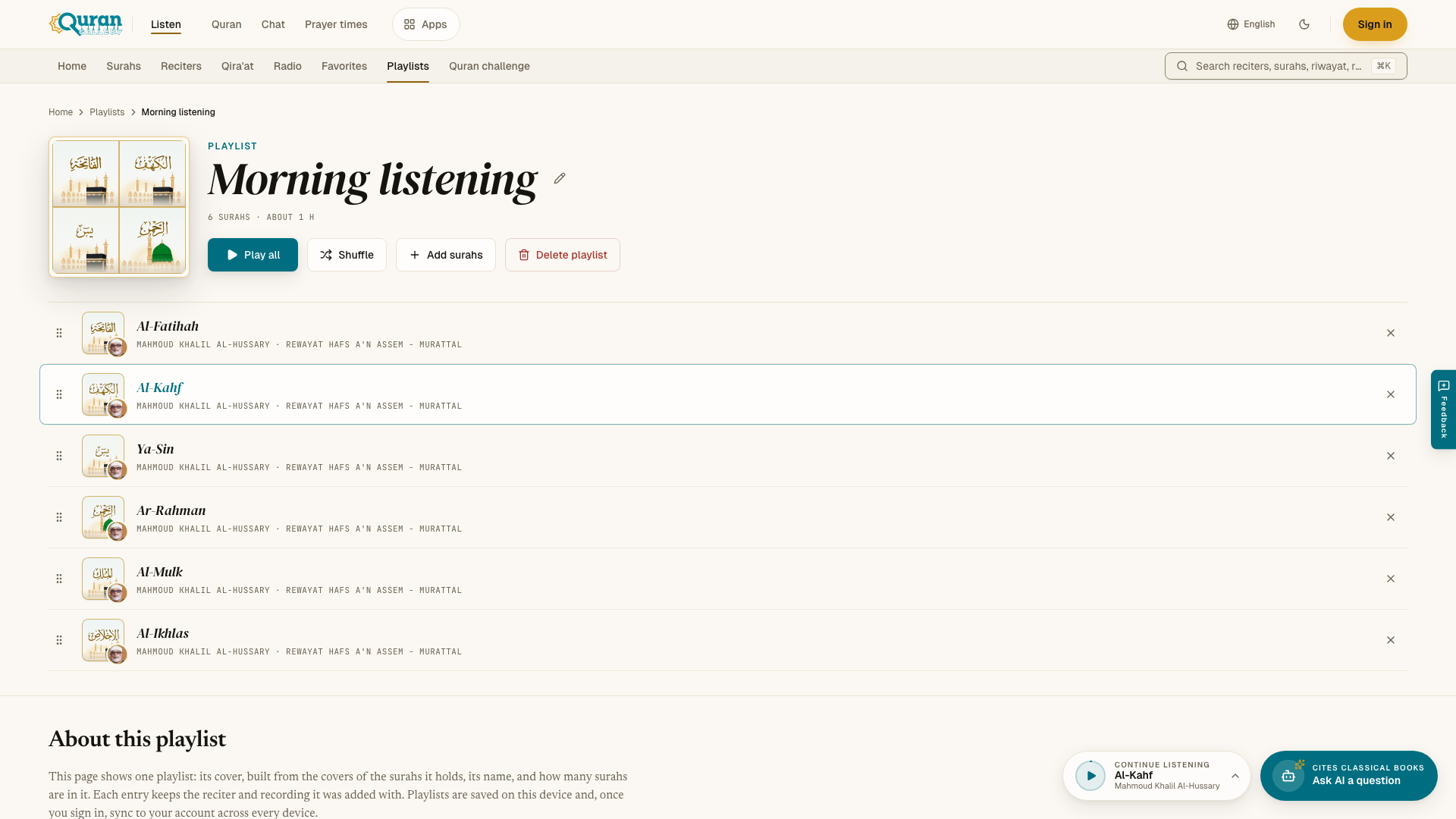
- Play all plays the playlist in order. Shuffle plays it in random order. Press any surah to start from it.
- Reorder a surah by dragging the handle at its start. With a keyboard, focus the handle and use the up and down arrow keys.
- Remove from playlist (the × on a row) takes a surah out. Press Undo in the message if you change your mind.
- Rename (the pencil next to the name) changes the name.
- Delete playlist removes the playlist. The recordings stay in Listen, and your favorites are not touched.
The page shows how many surahs the playlist has and about how long it lasts.
Save Up next as a playlist
In the player, open Up next and press Save to keep the current line-up as a new playlist. The Playlists tab in the same panel lists your playlists, so you can start one without leaving the page. Radio stations and tafsir are not saved in playlists.
Limits
You can have up to 50 playlists, with up to 200 surahs in each. Each surah by one reciter can be in a playlist only once.
Playlists are saved on your device. When you sign in, they are also saved to your account and appear on all your devices. See Favorites & history.